
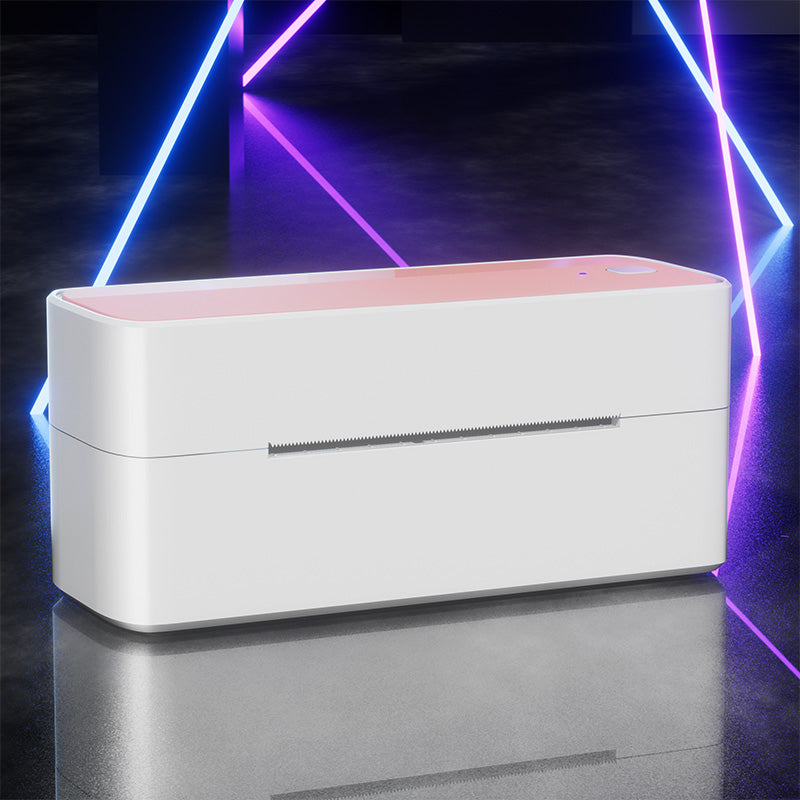
 Phomemo PM241-BT Bluetooth Címkenyomtató
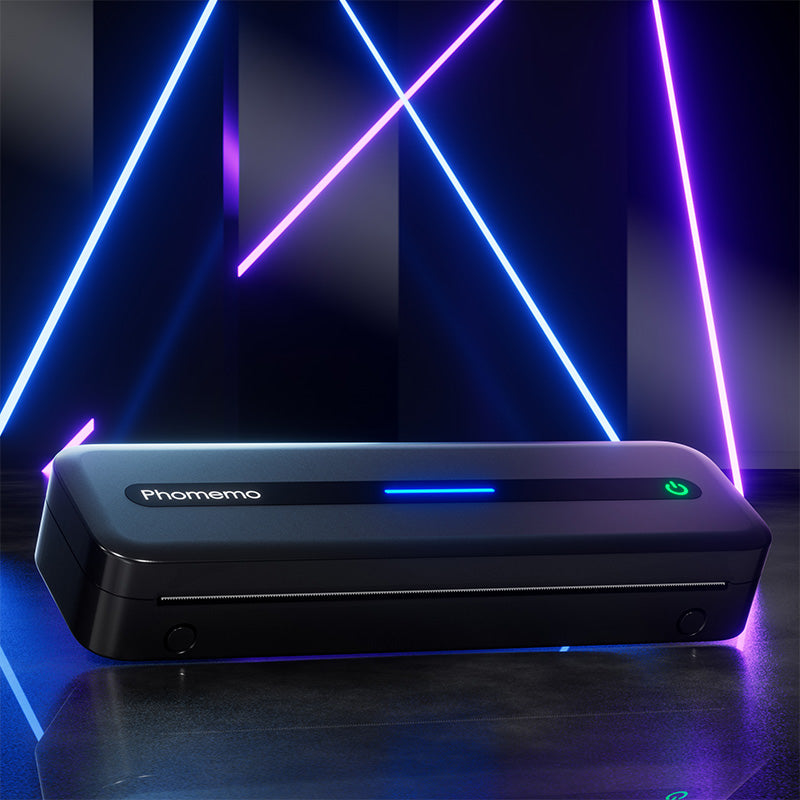 Phomemo M832 Felújított Hordozható Hőnyomtató
 Phomemo T02 tintamentes mini nyomtató
 Phomemo M220 Bluetooth hordozható hőnyomtató címkenyomtató
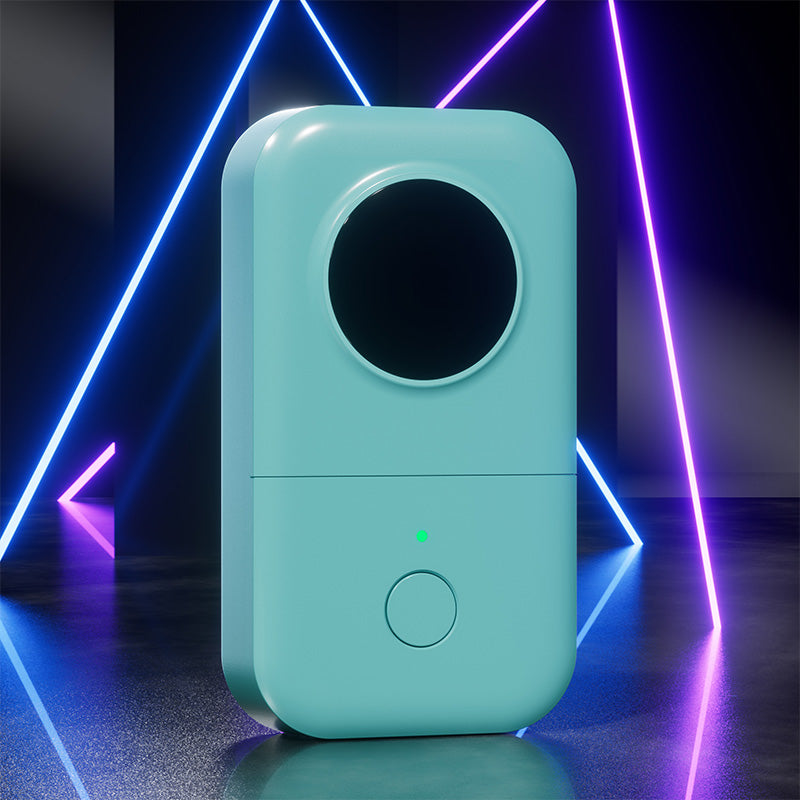 Phomemo D30 Hordozható Bluetooth Otthoni Címkenyomtató
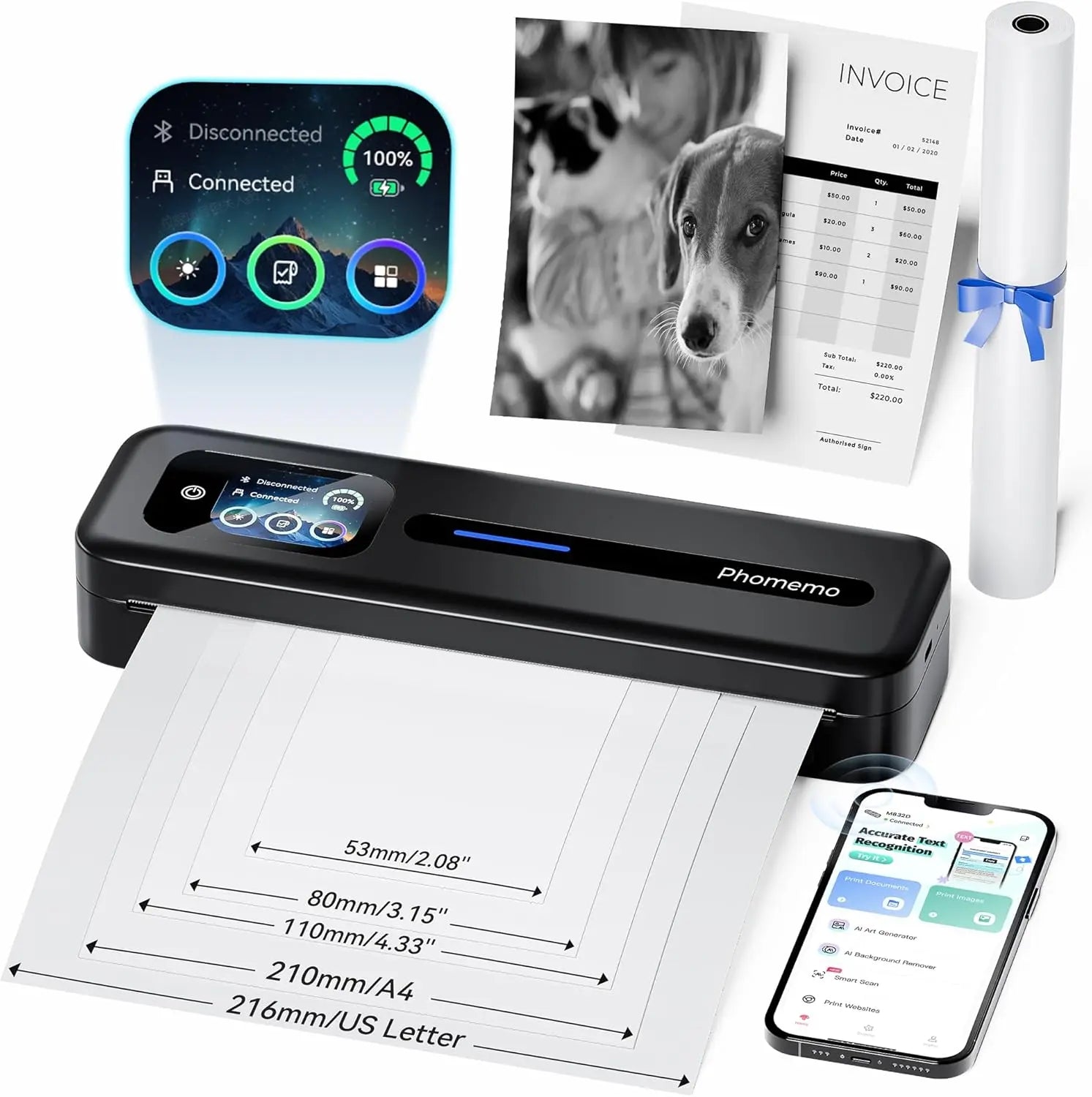 Phomemo M832D Hordozható Hőnyomtató, Fejlesztett Érintőképernyővel
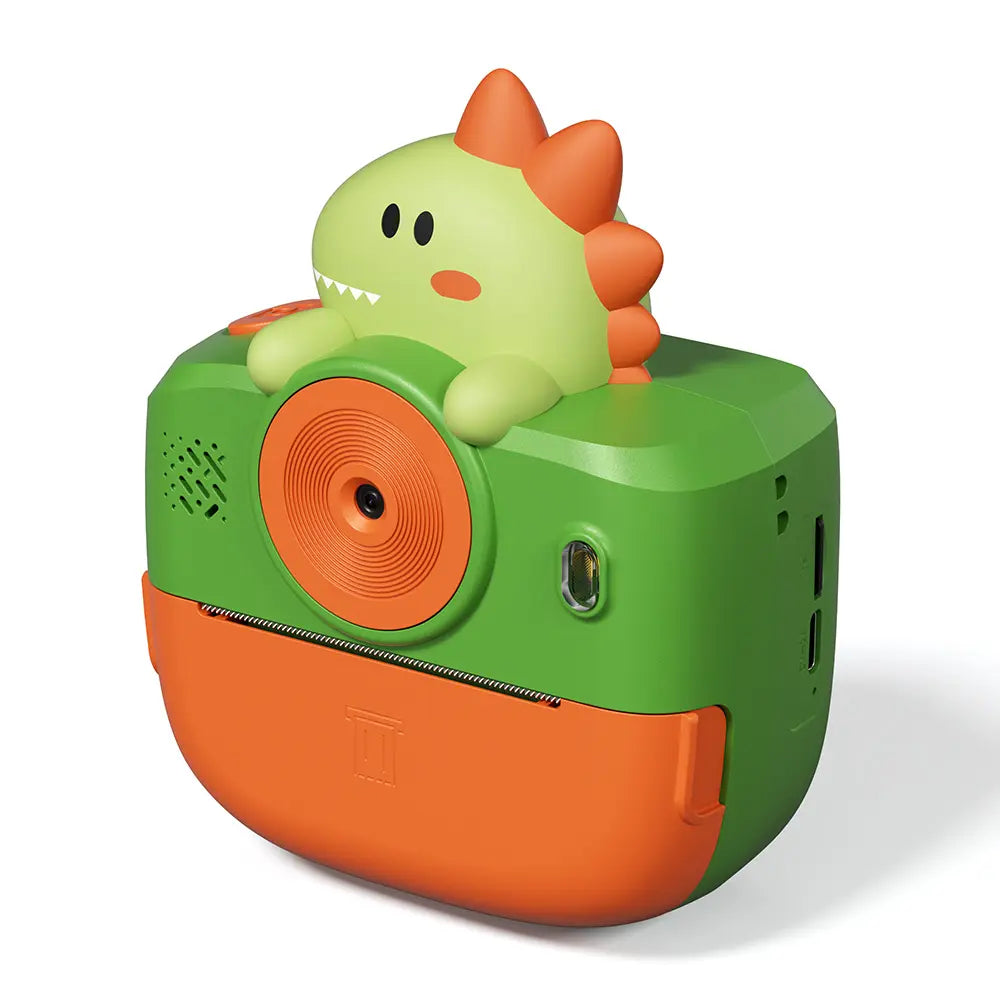 Phomemo Instant K22 Kétlencsés kamera gyerekeknek
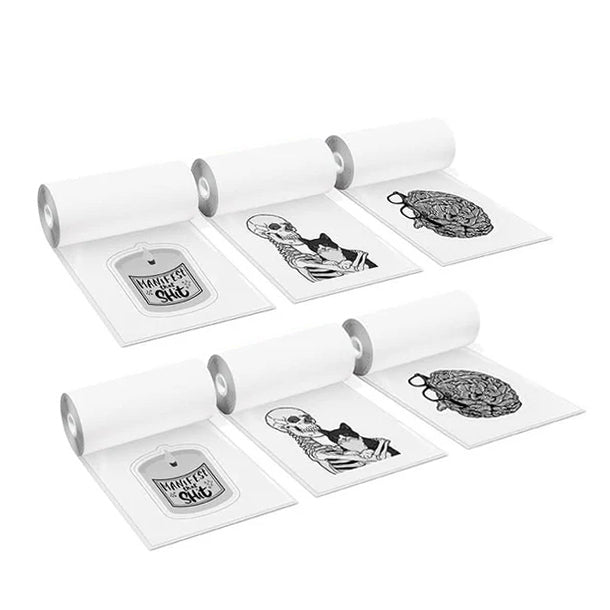 K22-hez
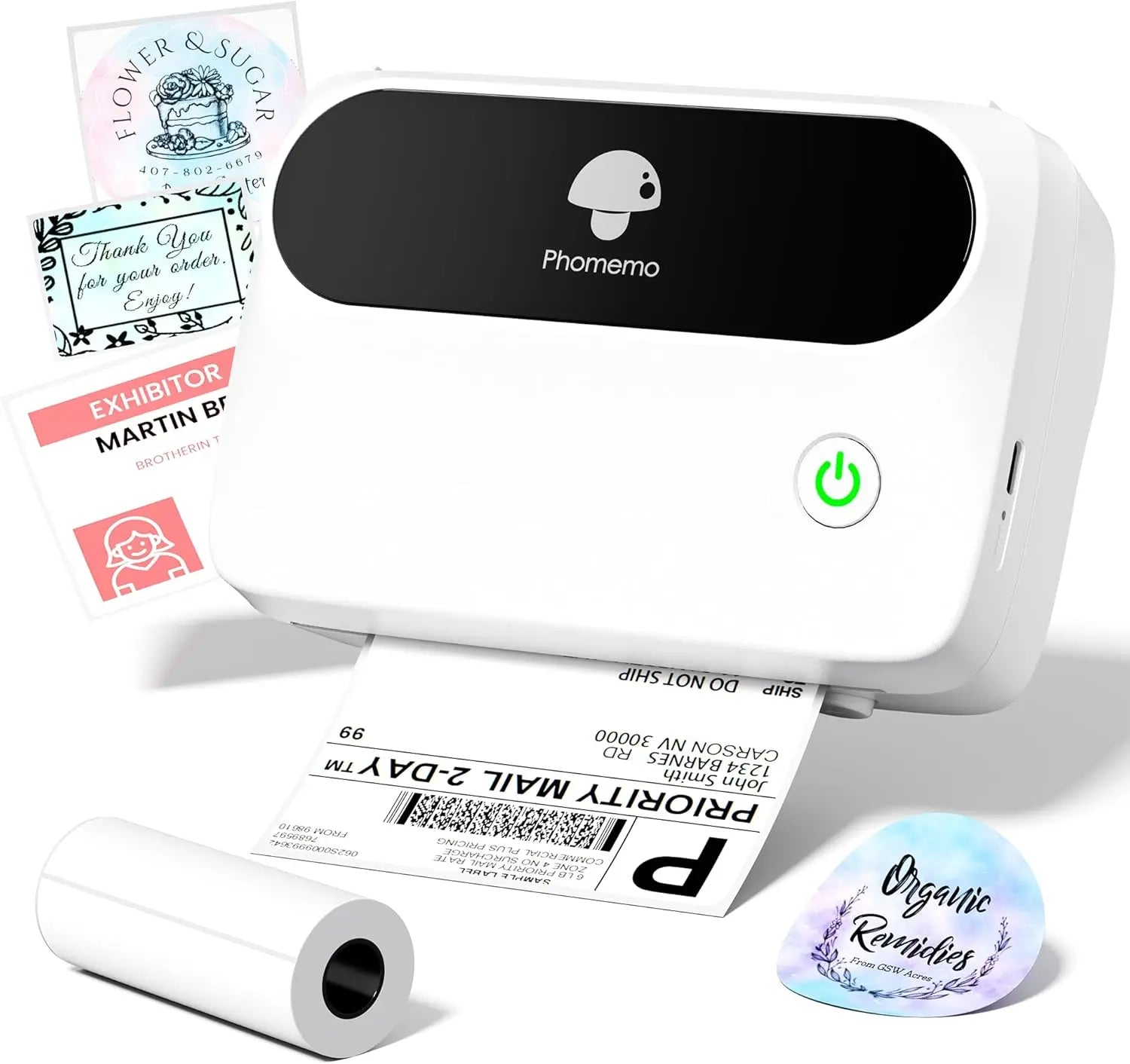 Phomemo M421 Bluetooth hordozható címkenyomtató üzleti használatra
 Phomemo M250 Bluetooth hordozható hőnyomtató címkenyomtató
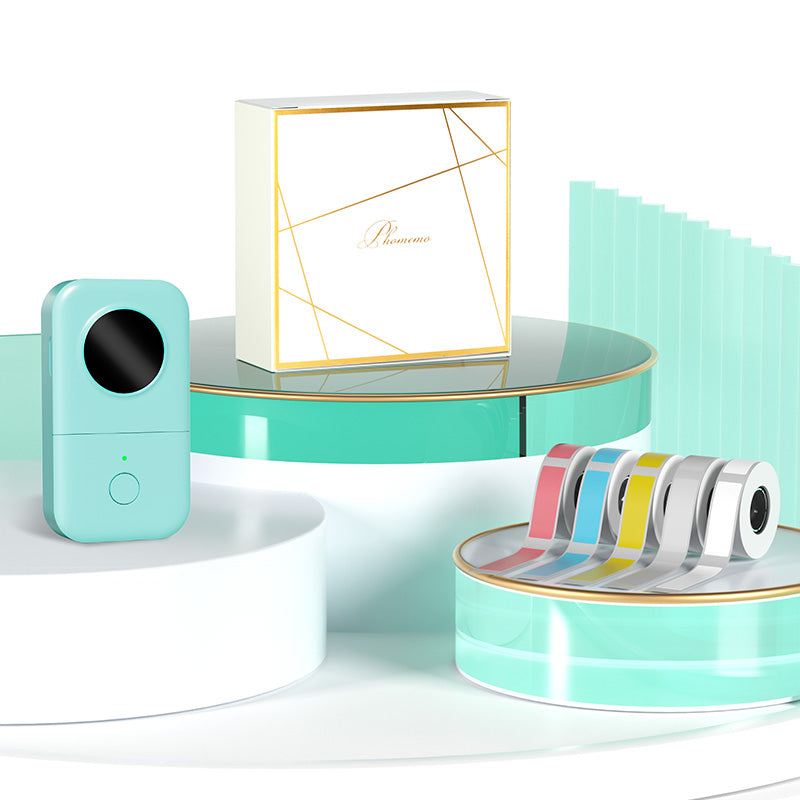 Phomemo D30 Szürke Bluetooth címkenyomtató és 5 tekercs címke (Opció: Tárolótáska)
 Phomemo M02 PRO Mini Nyomtató Ajándékkészlet
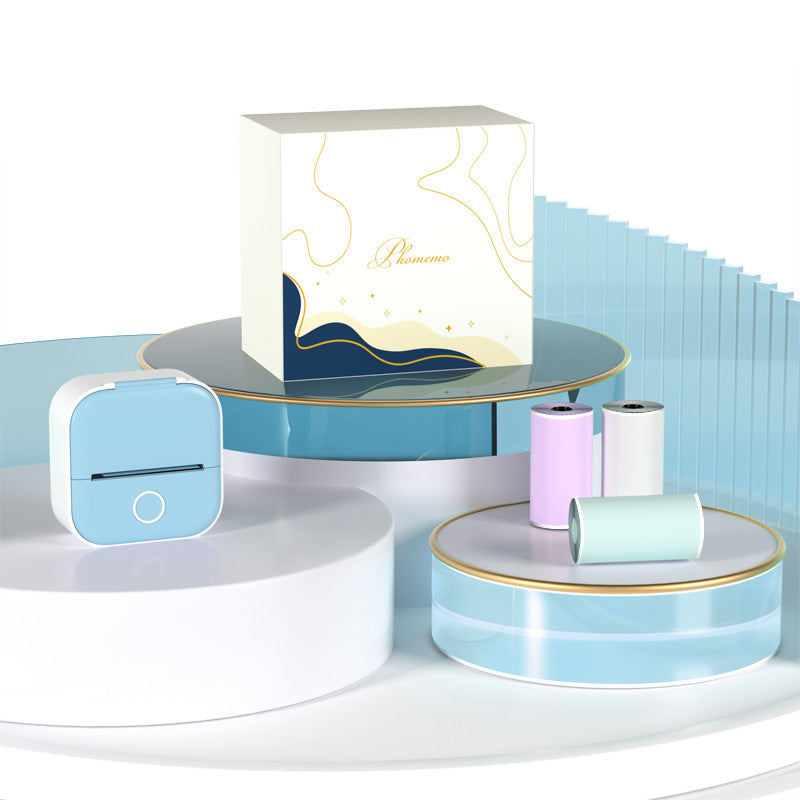 Phomemo T02 tintamentes mini nyomtató ajándékkészlet
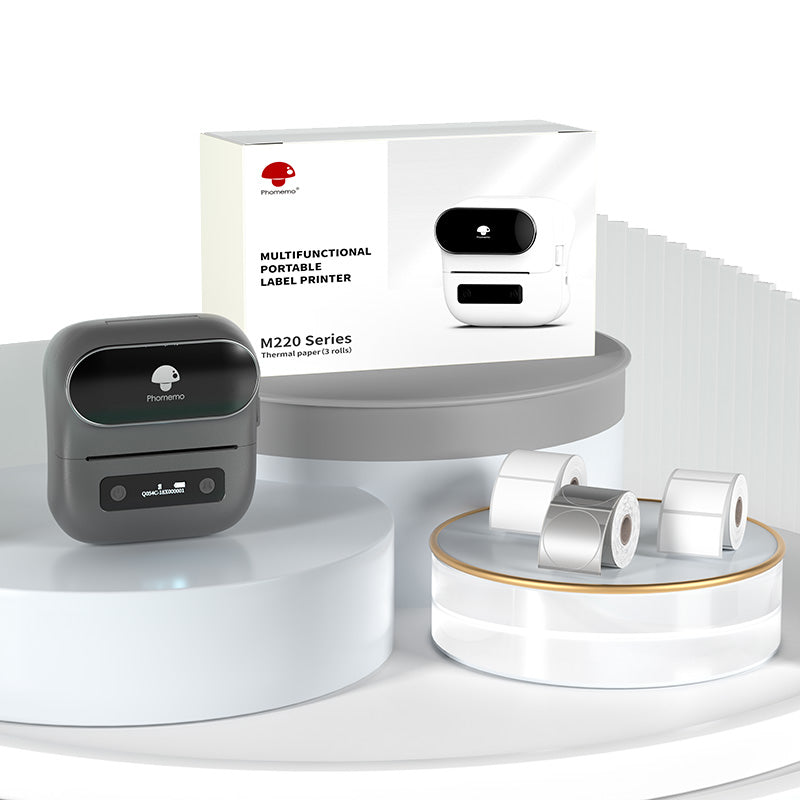 Phomemo M220 Bluetooth címkenyomtató ajándékkészlet
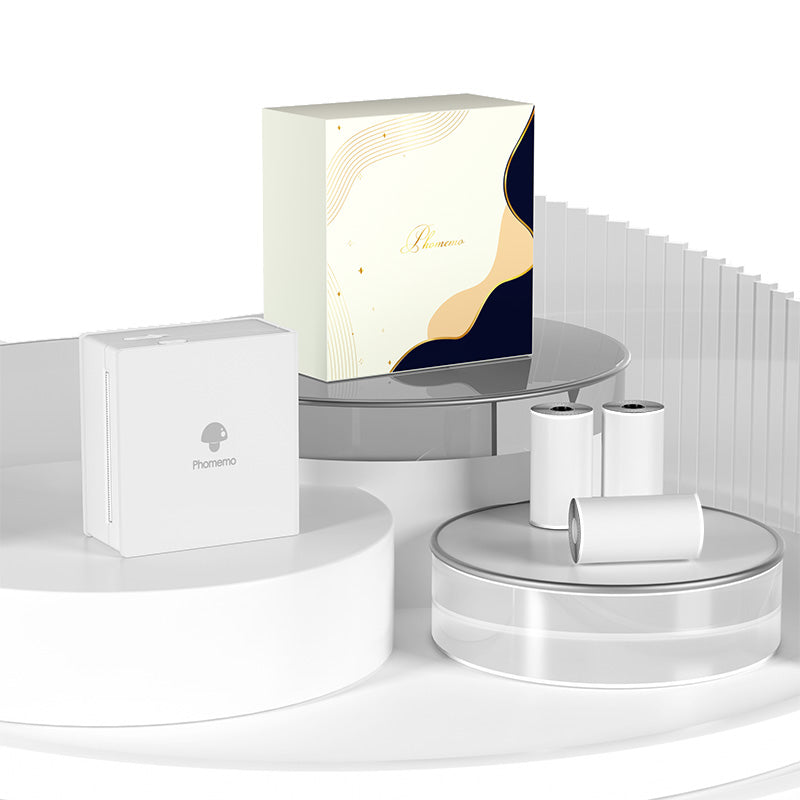 Phomemo M02 Mini Nyomtató Ajándékkészlet
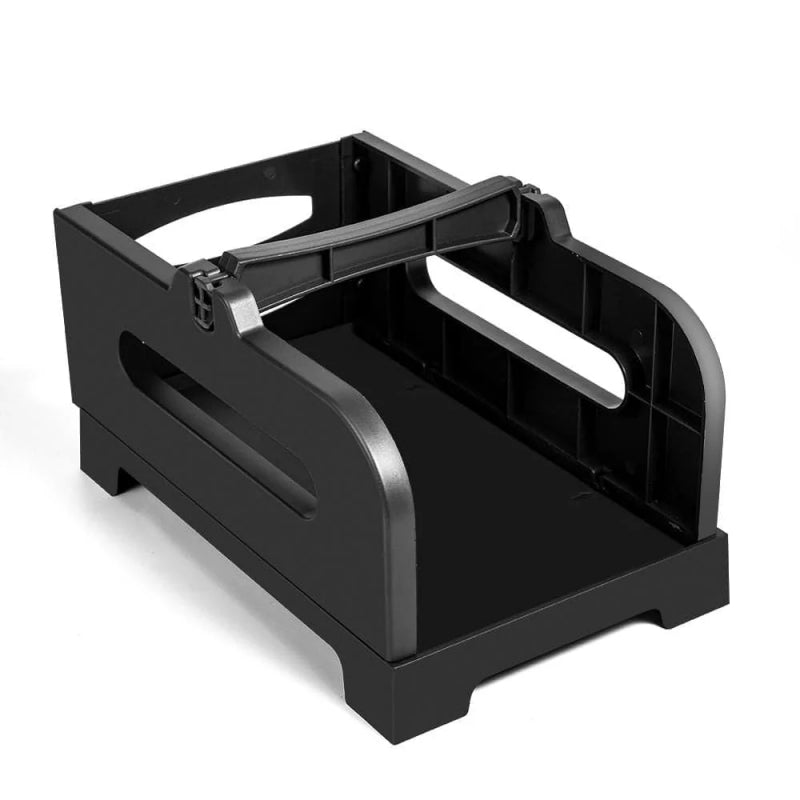 Kiegészítők
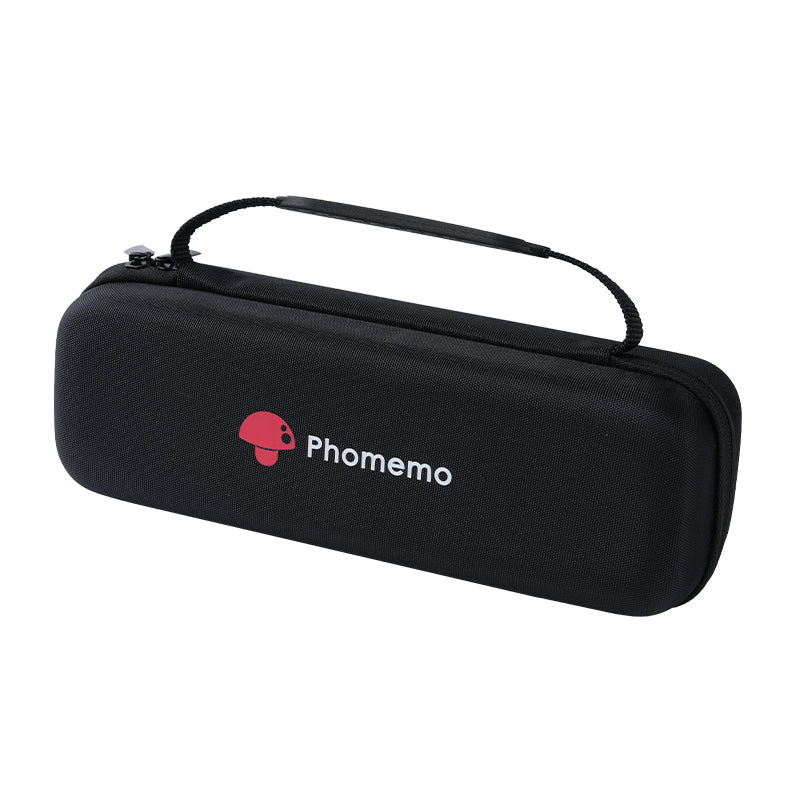 Tároló táska
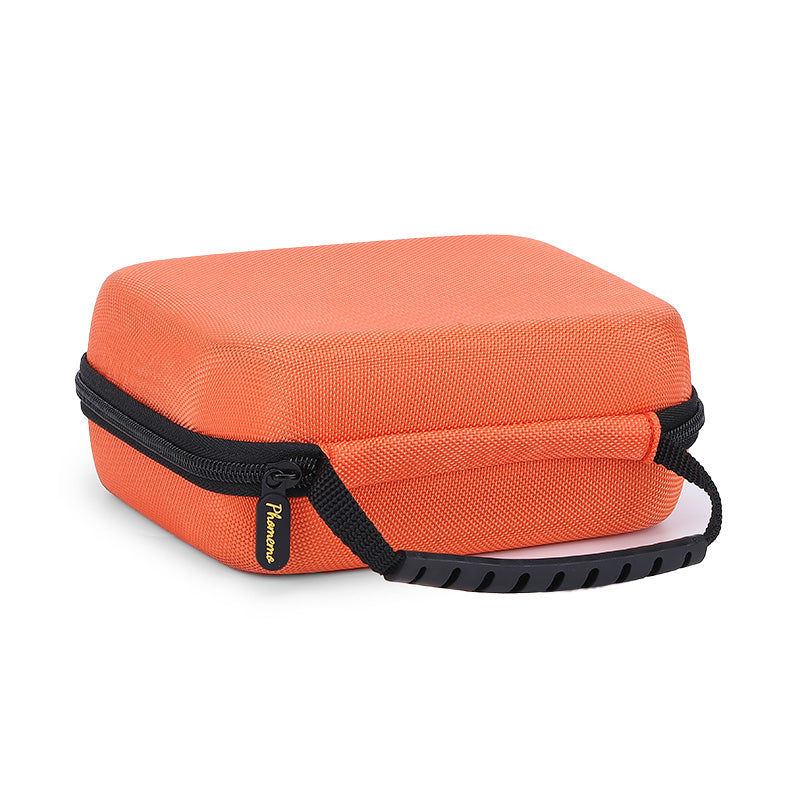 Phomemo Nagy, kemény héjú, géptároló táska
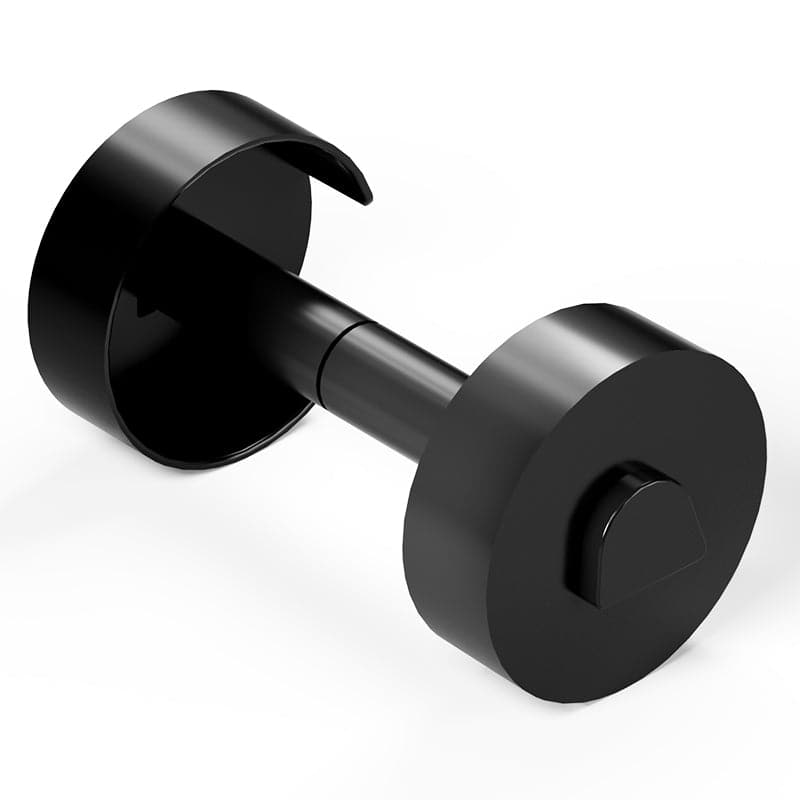 Phomemo Papírtartó T02/M02/M02S/M02PRO/M03AS/M04AS/M04S készülékekhez
 Papírtartó a Phomemo üzleti címkenyomtatóhoz
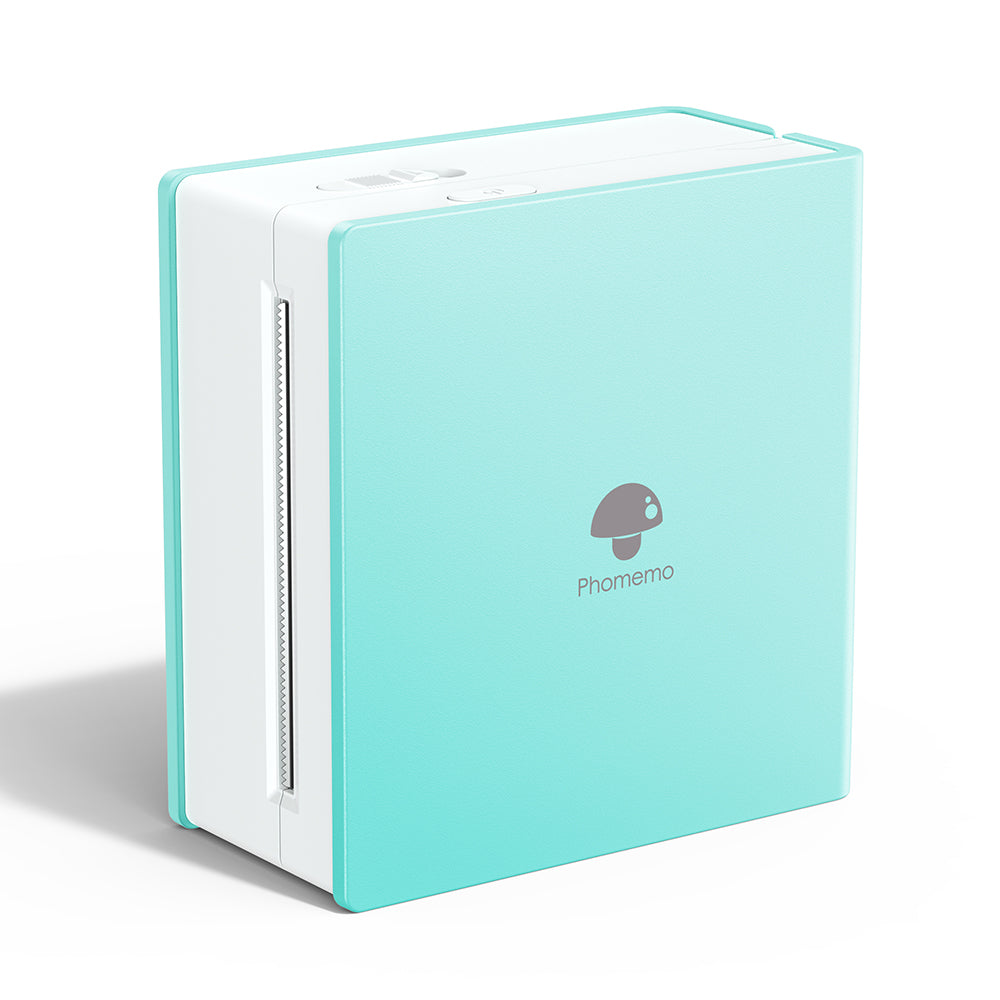 Phomemo M02 tintamentes mini nyomtató
 Phomemo M03 Bluetooth Mini Nyomtató
 Phomemo M02 PRO Bluetooth Mini Nyomtató
 Phomemo M04AS Mini hőnyomtató
 Phomemo P12 Hordozható Bluetooth Címkenyomtató Otthoni Használatra
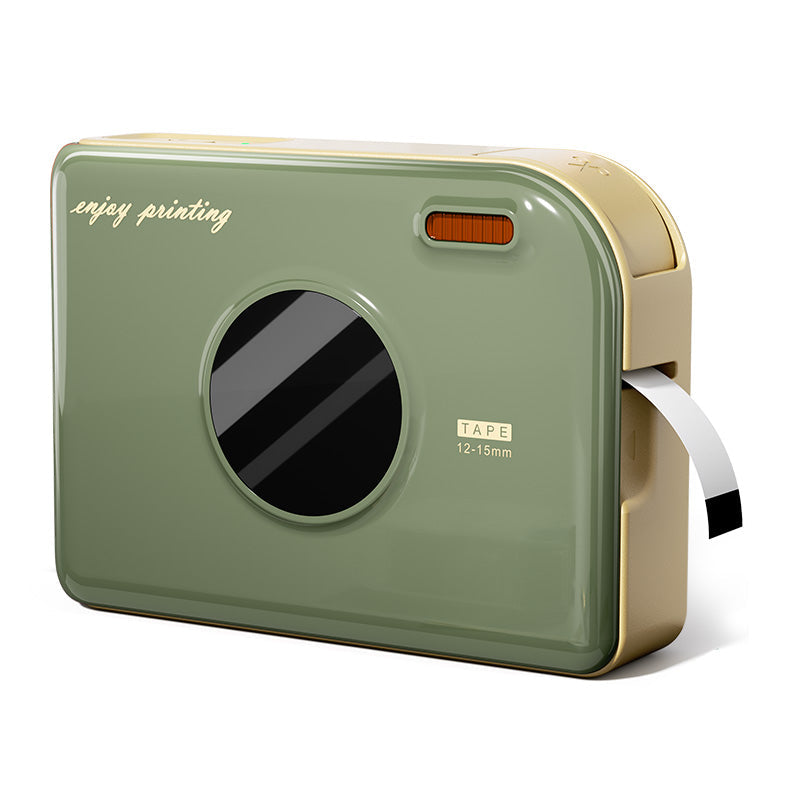 Phomemo A30 Hordozható Otthoni Címkenyomtató
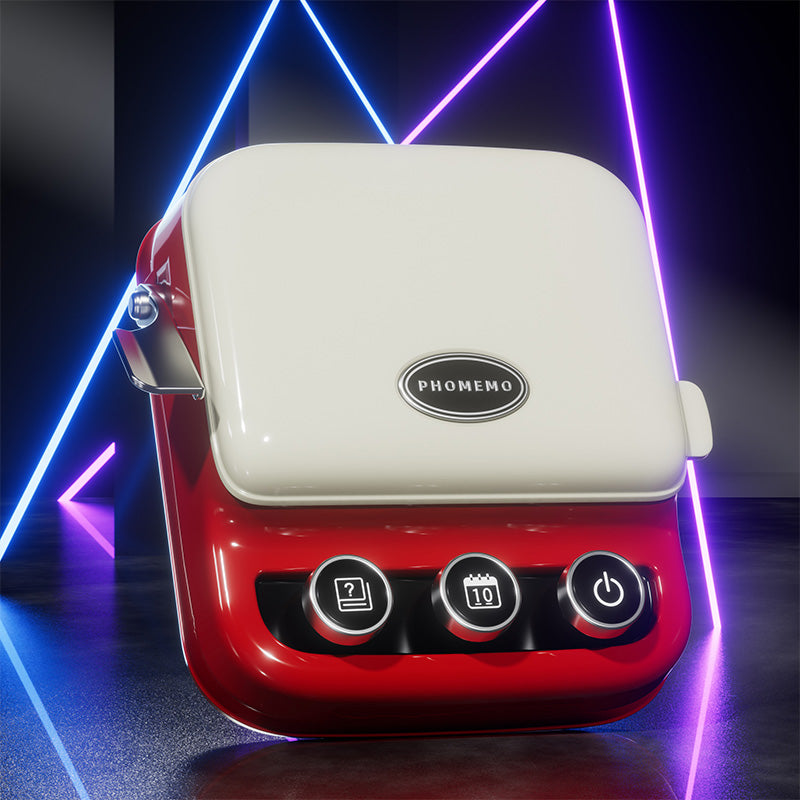 Phomemo P15 Vintage otthoni címkenyomtató
 Phomemo Q30S Mini Házimárka-készítő
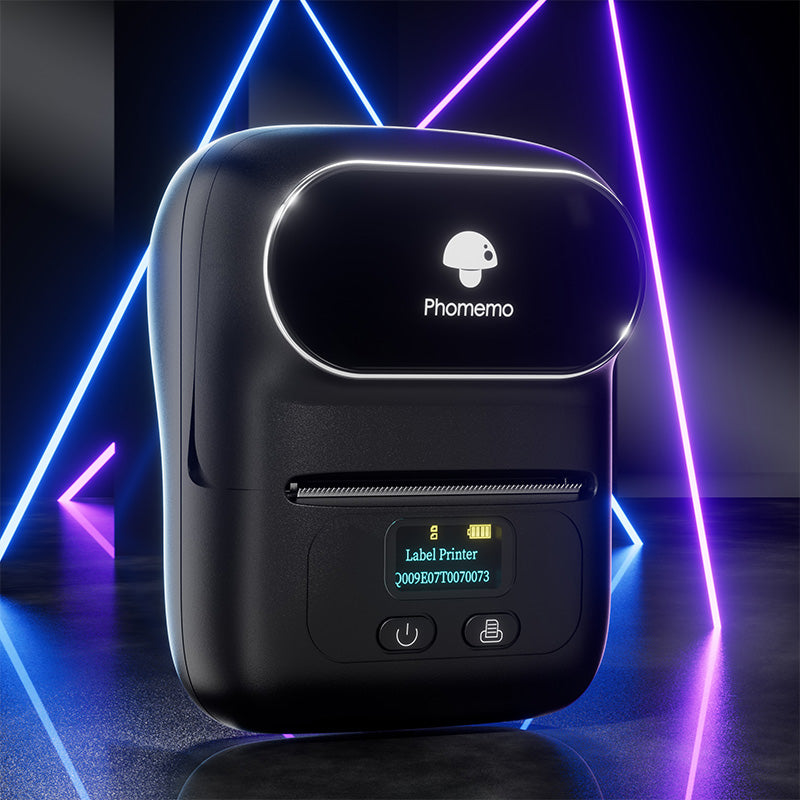 Phomemo M110 Bluetooth hordozható hőnyomtató címkenyomtató
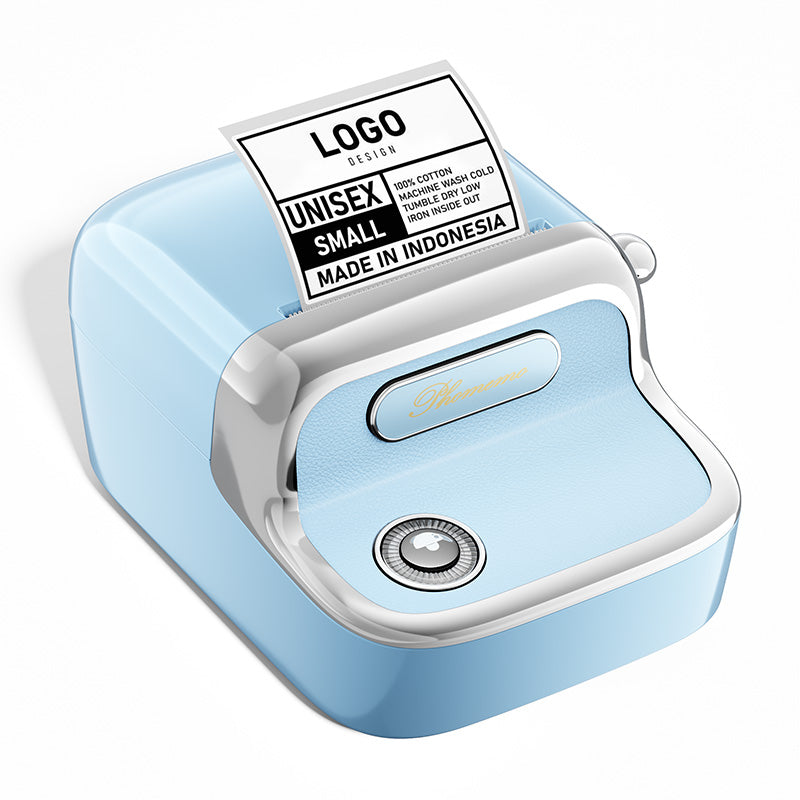 Phomemo M150 Bluetooth hordozható hőnyomtató címkenyomtató
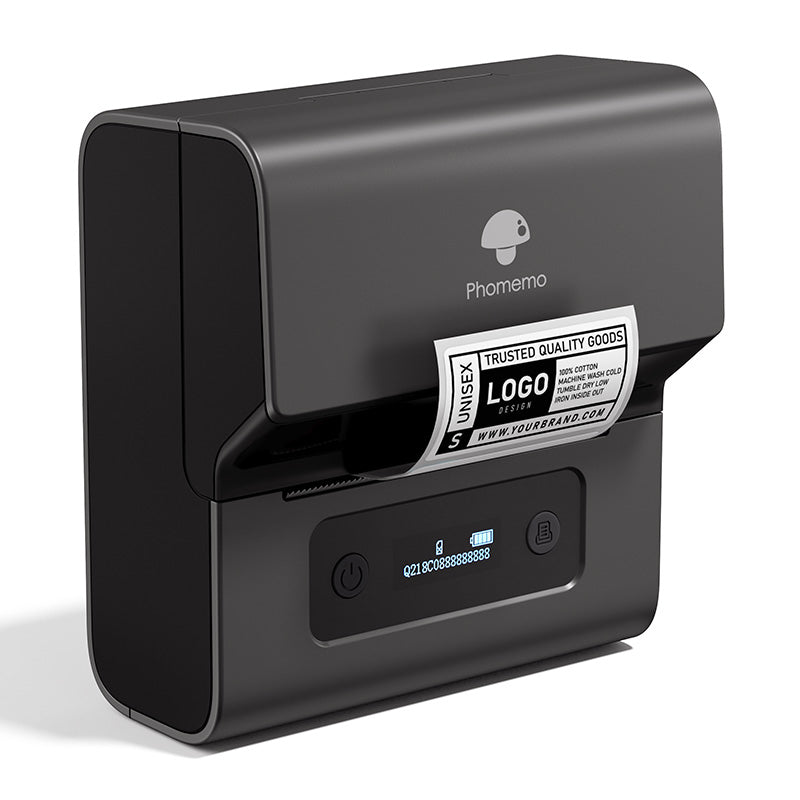 Phomemo M221 Bluetooth hordozható hőnyomtató címkenyomtató
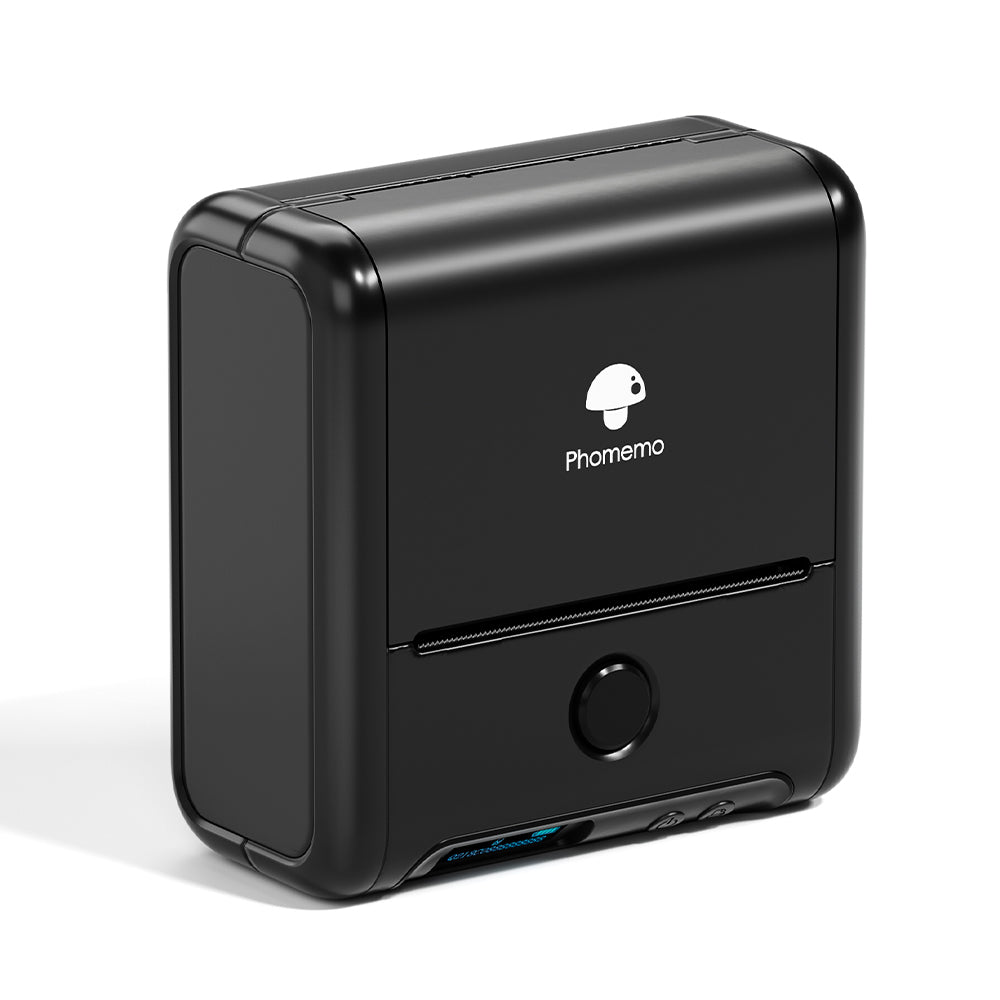 Phomemo M200 Bluetooth hordozható hőnyomtató címkéző
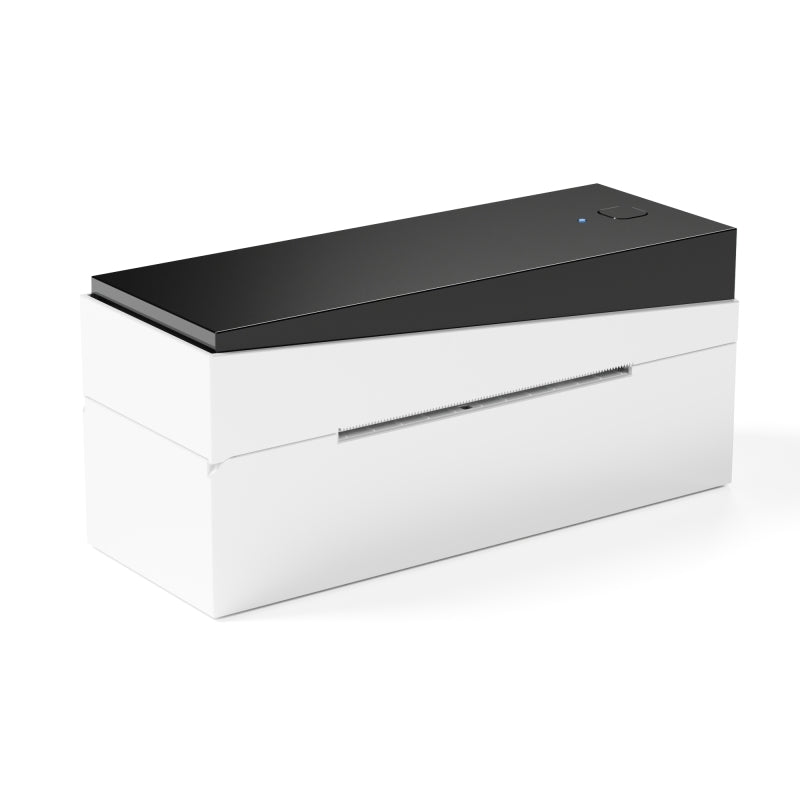 Phomemo PM249-BTZ Bluetooth Direct Connect Címkenyomtató
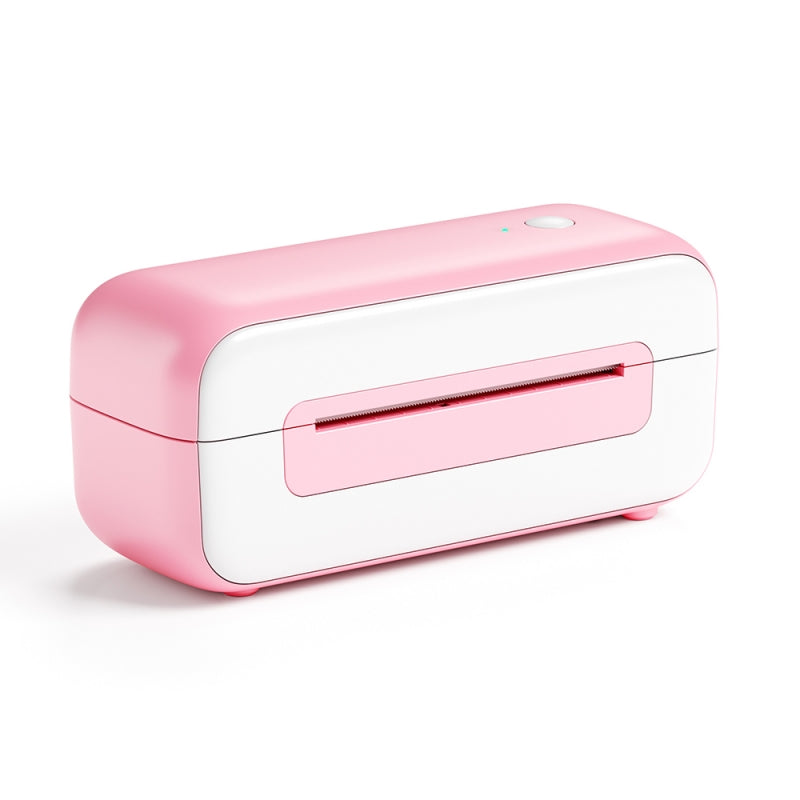 Phomemo PM-246S Nagysebességű USB direkt termál címkenyomtató
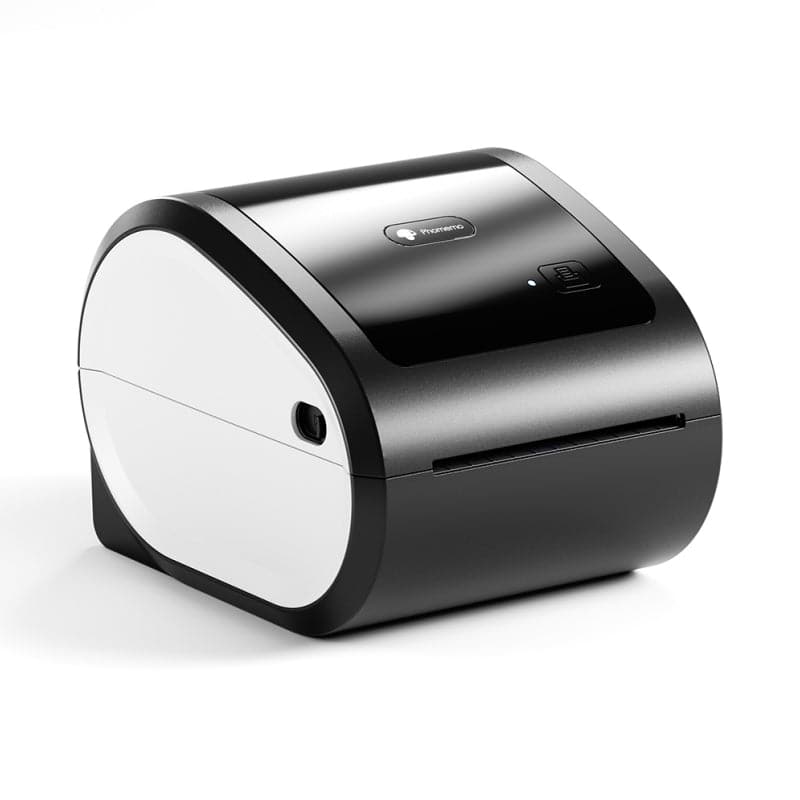 Phomemo D520-BT Bluetooth Címkenyomtató
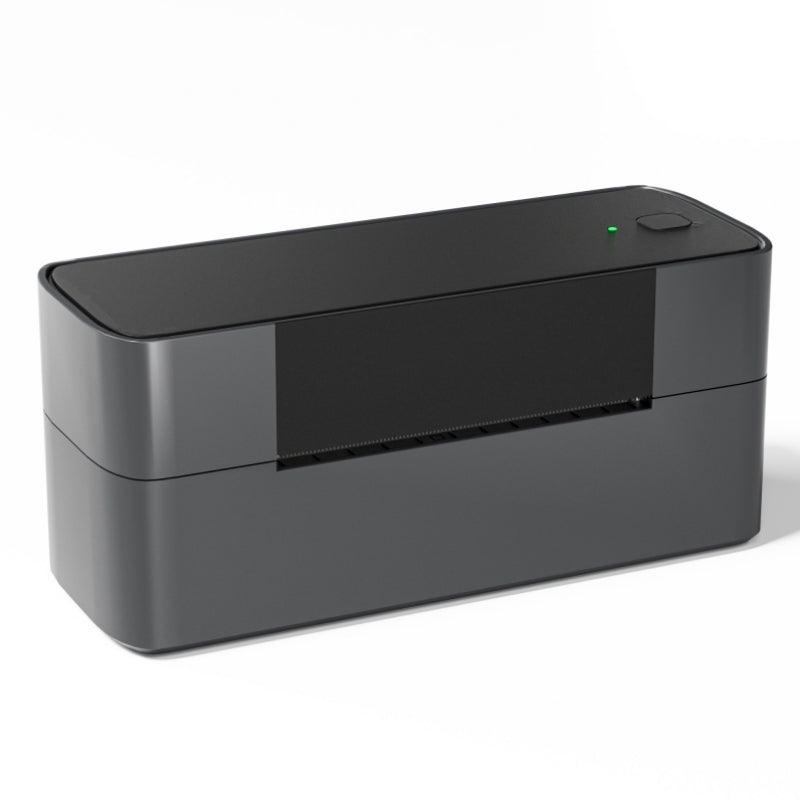 Phomemo PM245-BTZ Bluetooth Közvetlen Csatlakozású Címkenyomtató
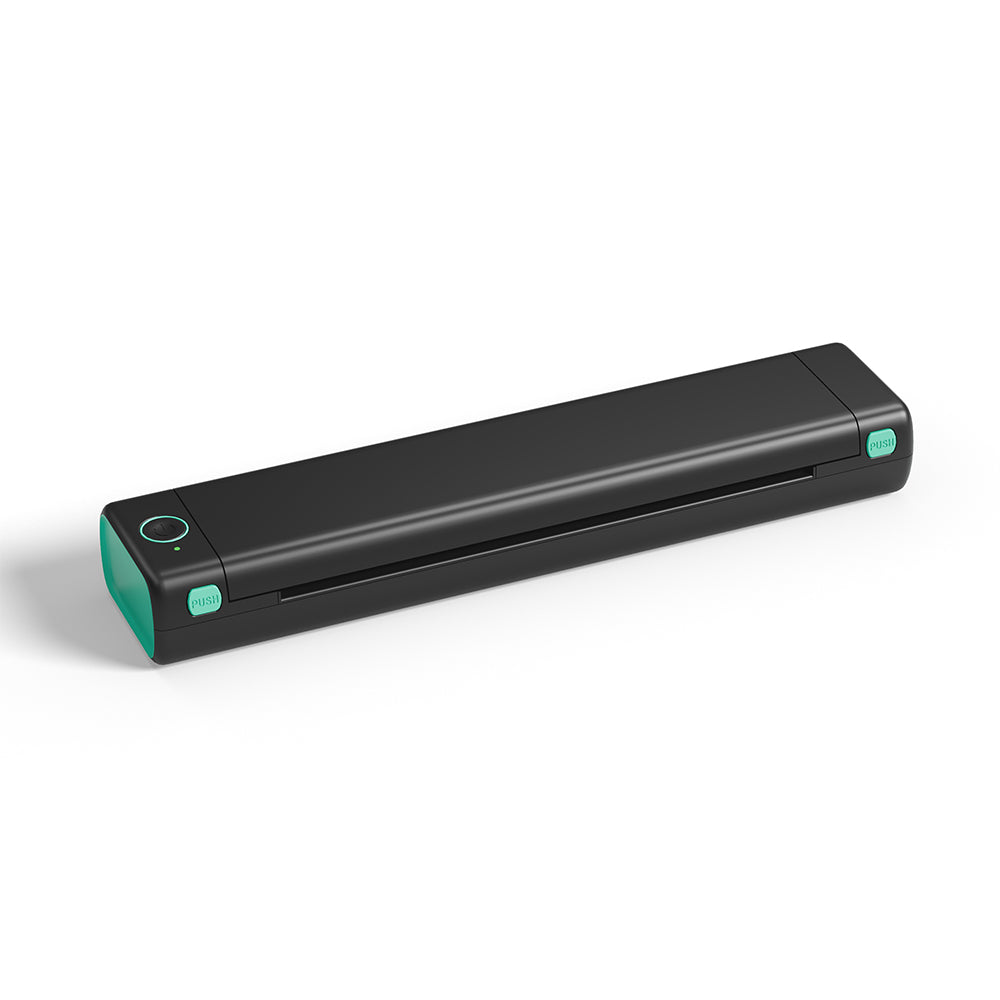 Phomemo M08F Letter és A4 hordozható nyomtató
 Phomemo P831 Bluetooth hordozható hőátadó nyomtató
 [Ultrakönnyű] Phomemo Q302 Vezeték nélküli hordozható hőnyomtató
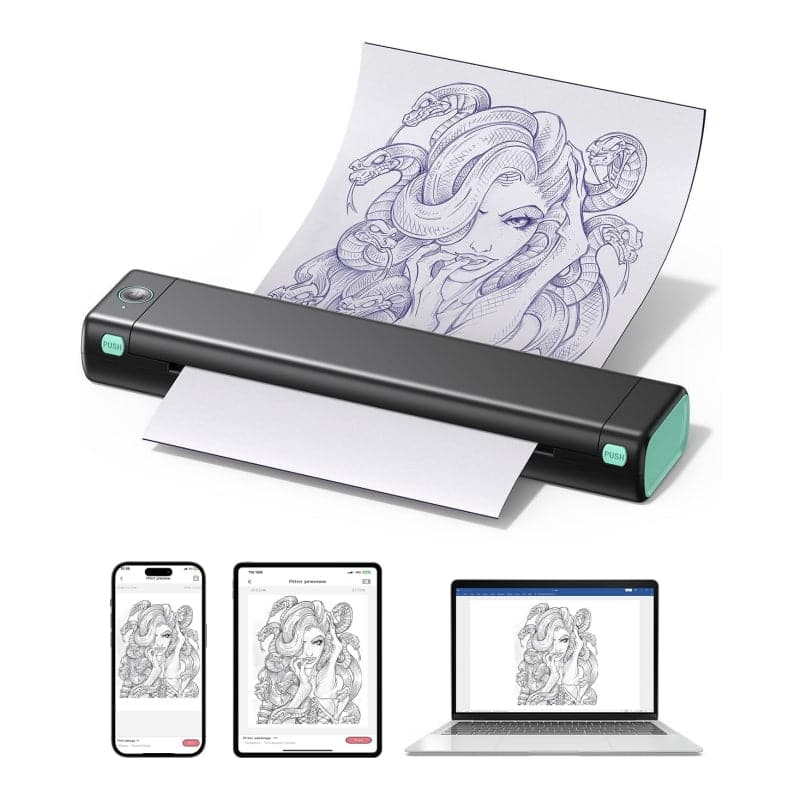 Phomemo M08F Vezeték nélküli Tetoválás Stencilező Nyomtató
 Phomemo TP81 Vezeték nélküli Tetoválás Sablon Nyomtató
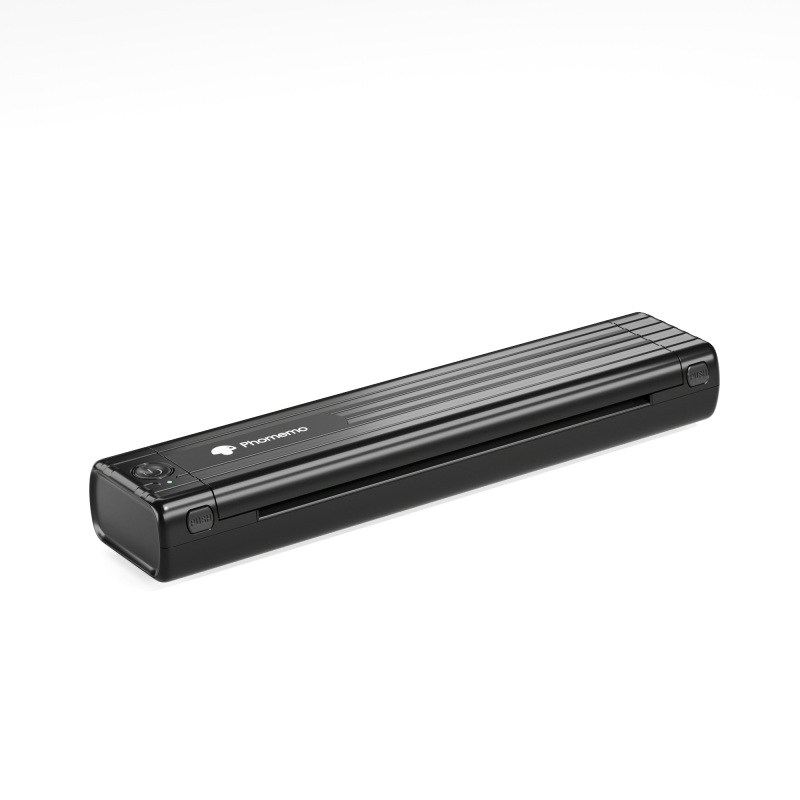 Phomemo TP83 Vezeték nélküli Tetoválás Stencilező Nyomtató
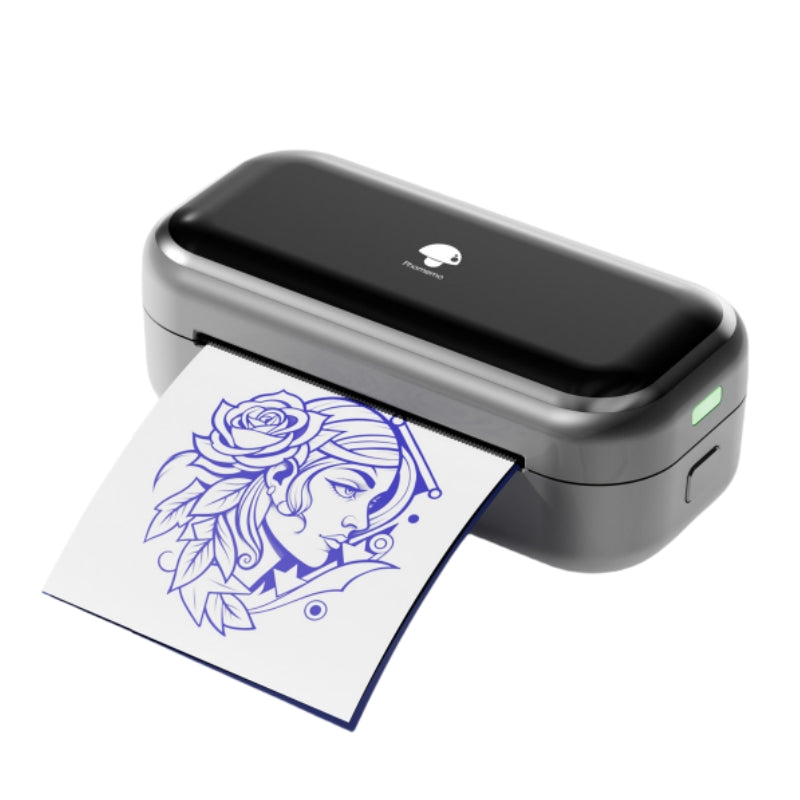 [❗️ÚJ❗️] Phomemo TP31 Bluetooth tetoválás sablon mini nyomtató
 T02/M02X-hez
 M02-hez
 M02S-hez
 M02 Pro-hoz
 M03-hoz
 M03AS-hoz
 M04S-hez
 M04AS-hoz
 D30/D35/Q30/Q30S készülékekhez
 P12/P12 PRO készülékekhez
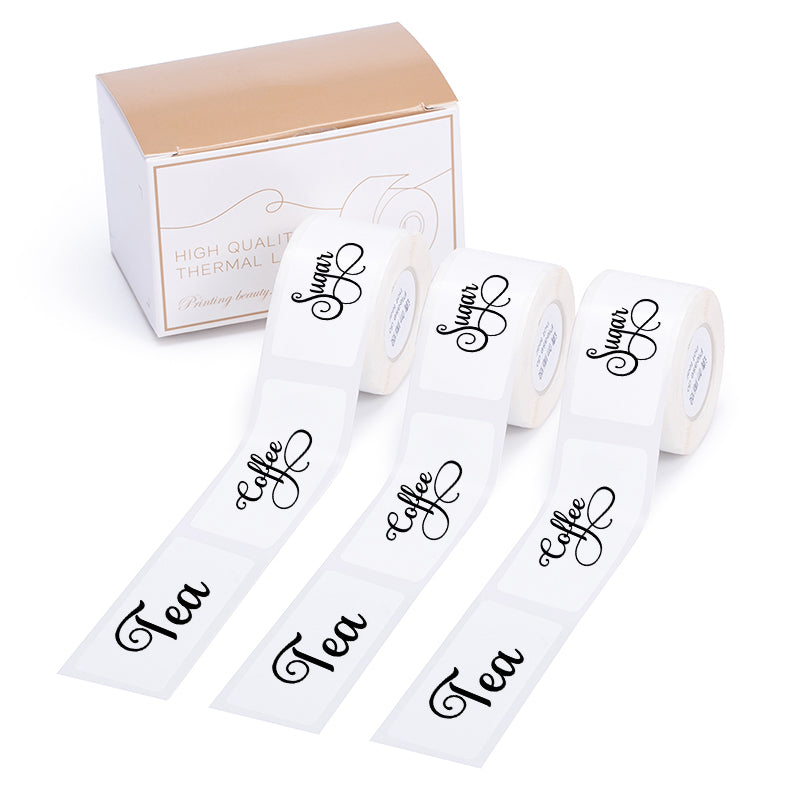 D50-hez
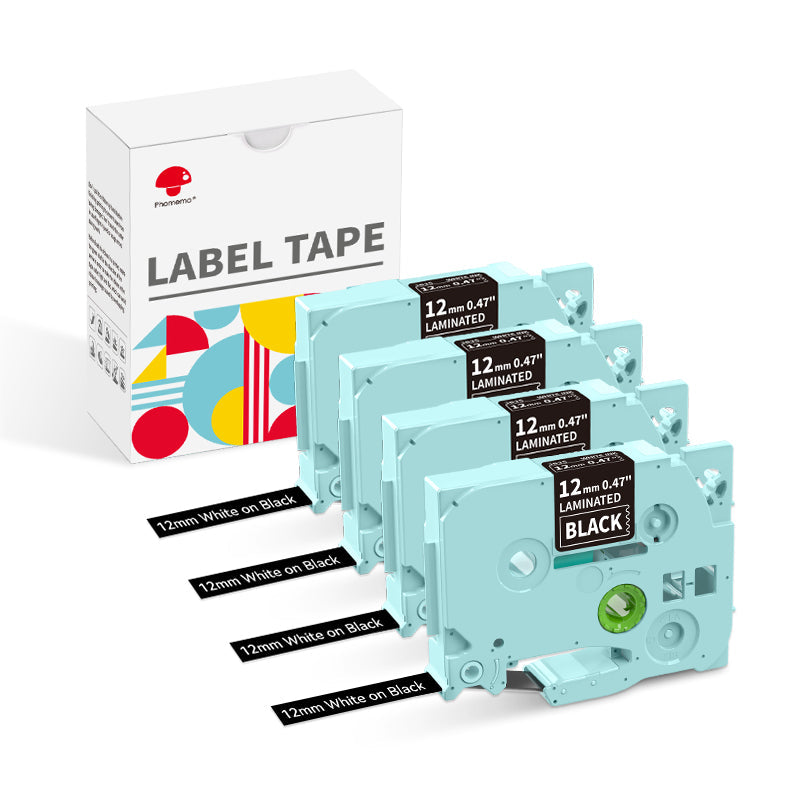 P3200-hoz
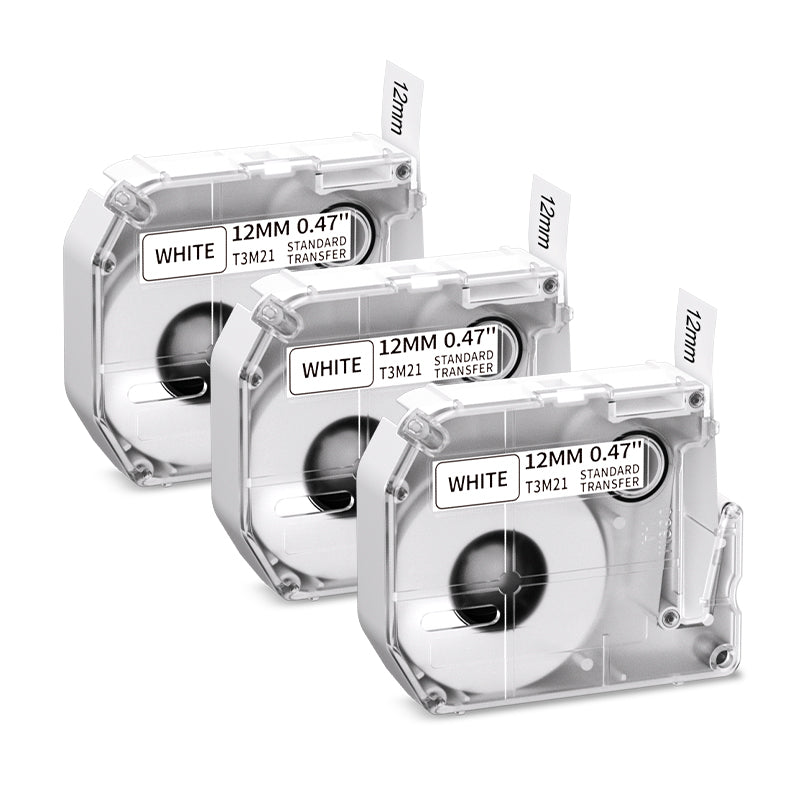 M960/M950-hoz
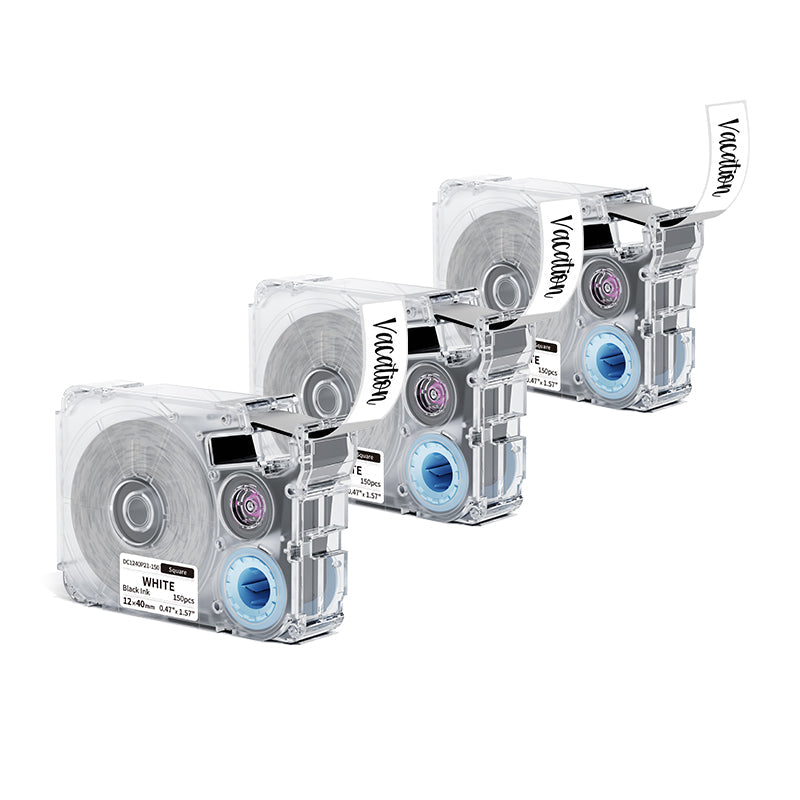 P15-hez
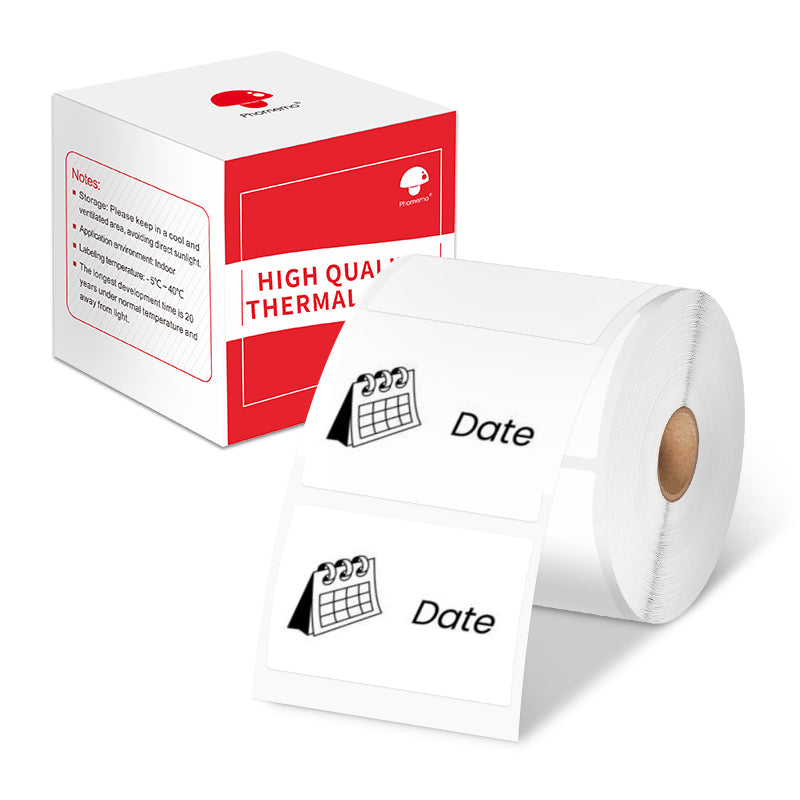 M110/M120-hoz
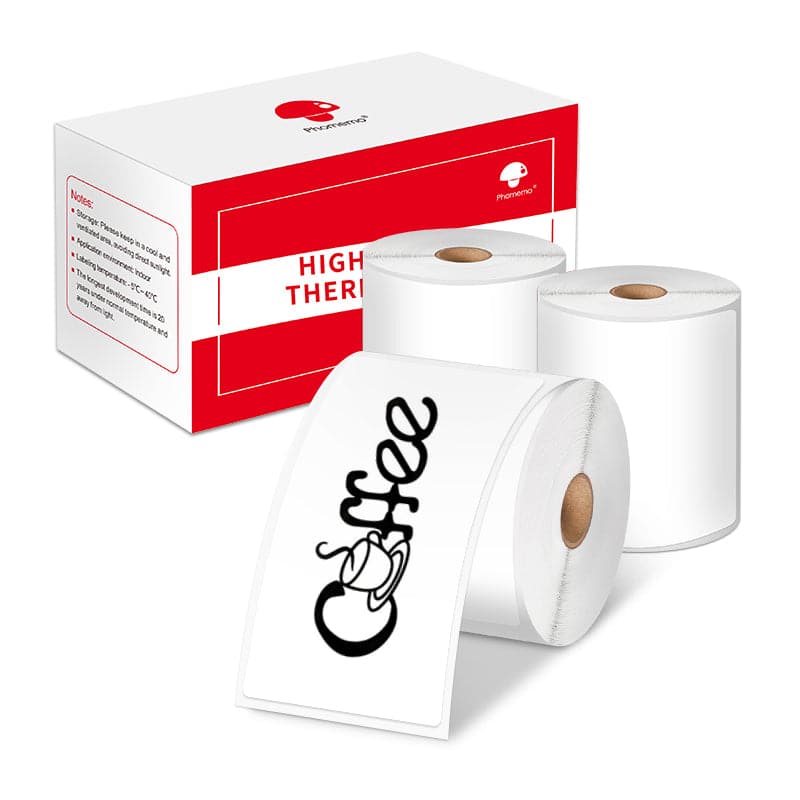 M200/M220/M221 esetén
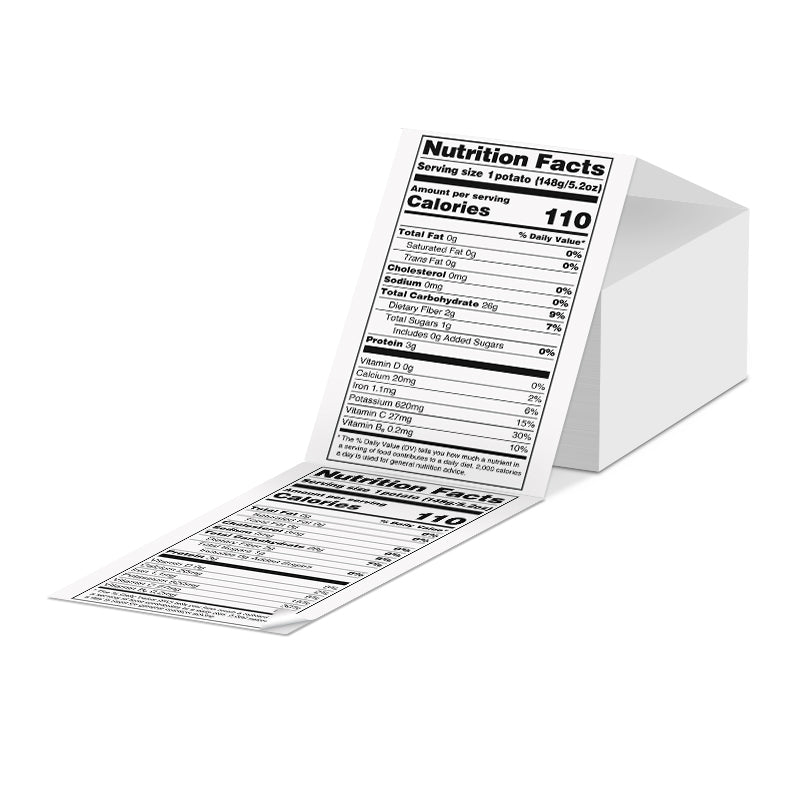 Phomemo 4"x6" hőpapír címkék címkenyomtatóhoz
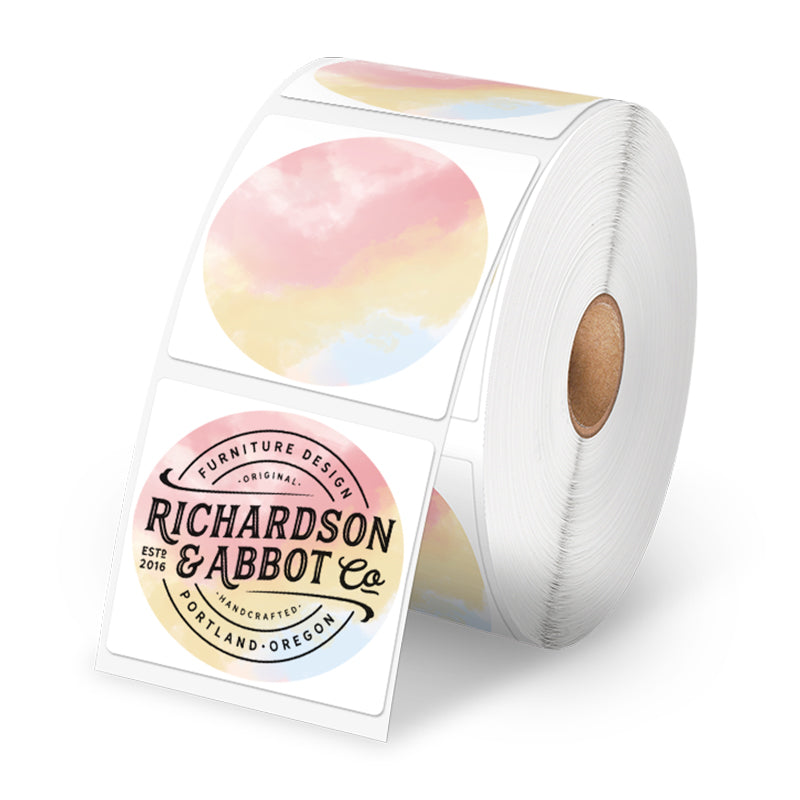 Phomemo hőnyomtató címkék – Több méret és típus a címkenyomtatóhoz
 Phomemo 2" Többféle Hőcímke Kerek Címkéhez Postázási Címkenyomtatóhoz
 Phomemo 2" Ezüst Hőnyomtató Holografikus Matricák Címkenyomtatóhoz
 Phomemo 3"x2" Címke matricák címkenyomtatóhoz
 M08F/Q302-hez
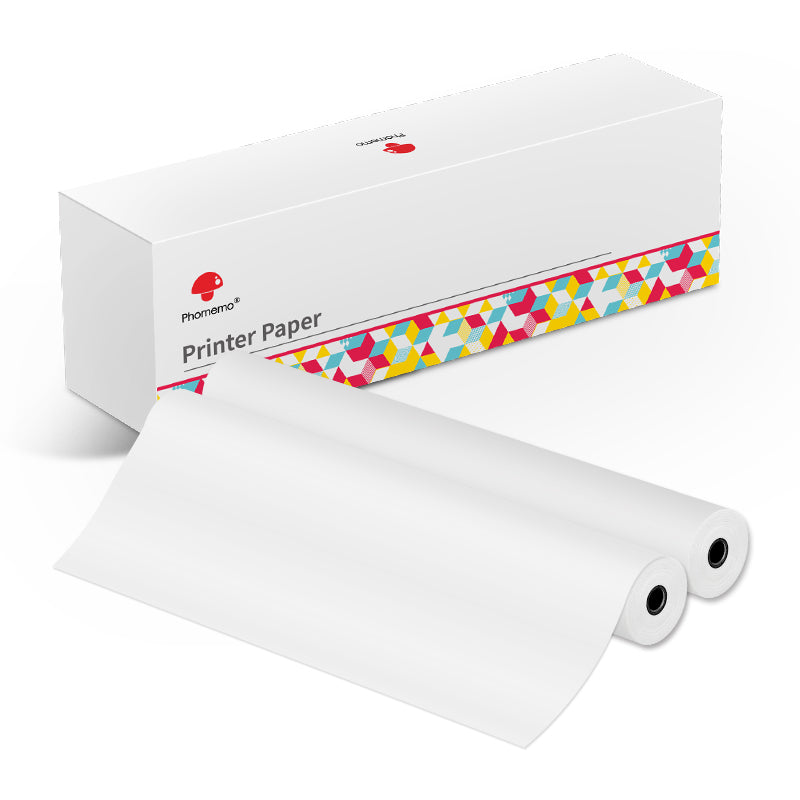 M832-hez
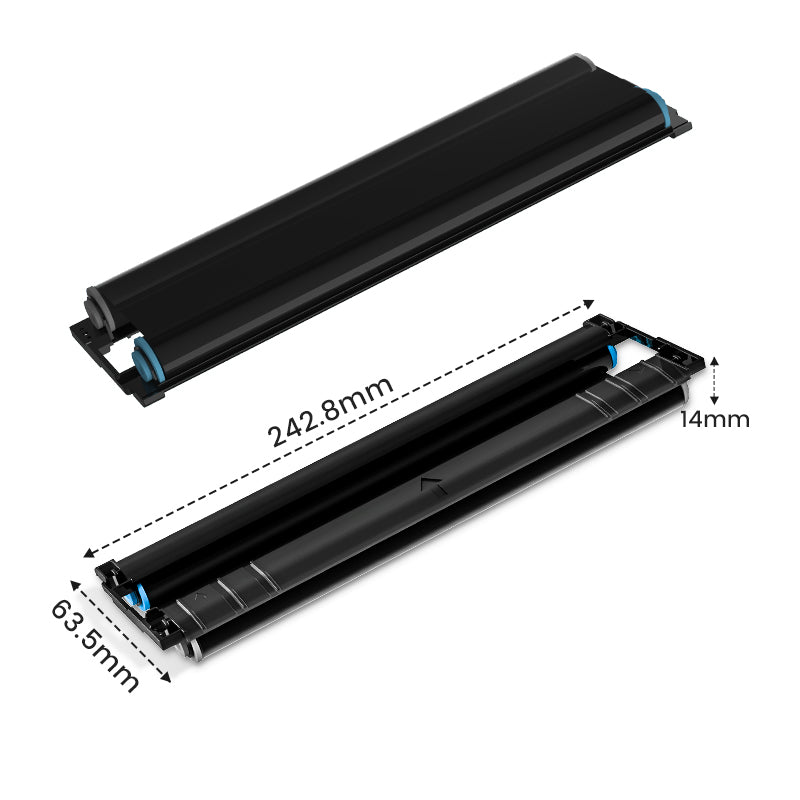 P831-hez
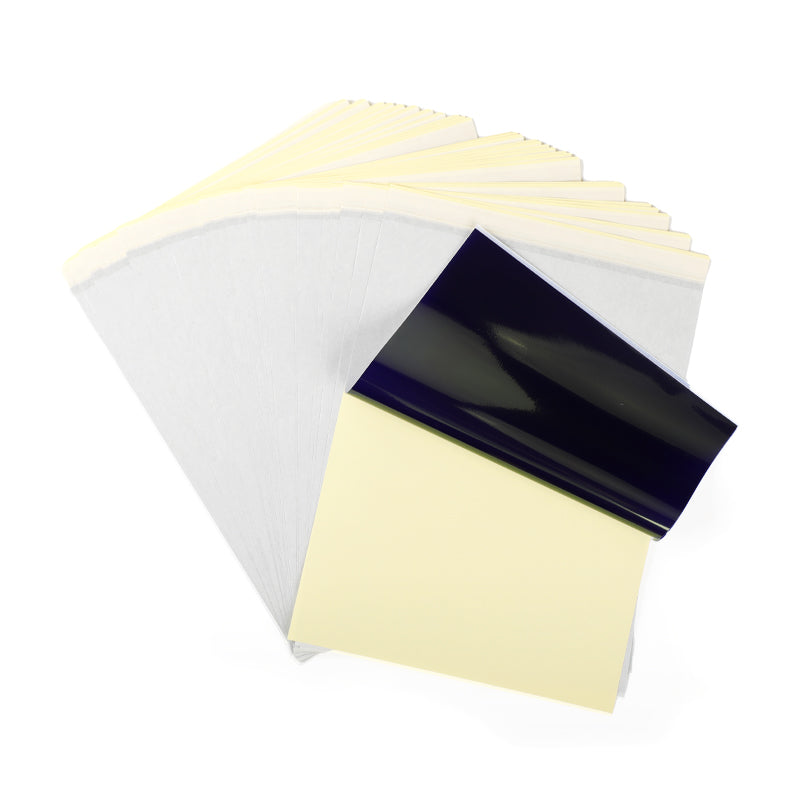 TP81/TP83/M08F tetováláshoz
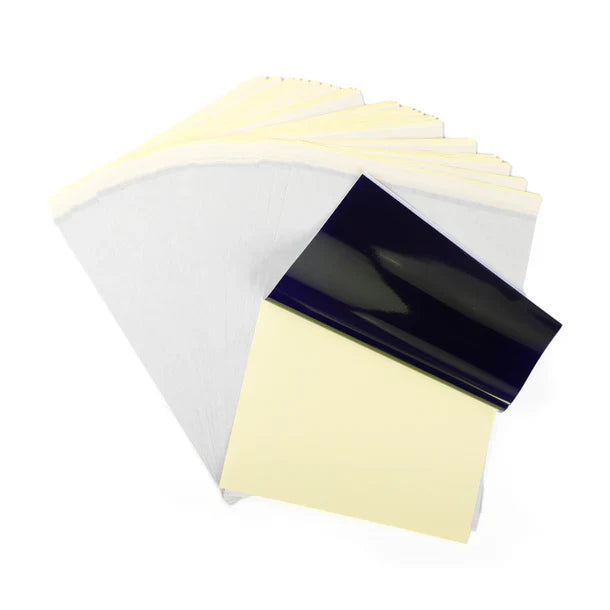 TP31 Tetováláshoz
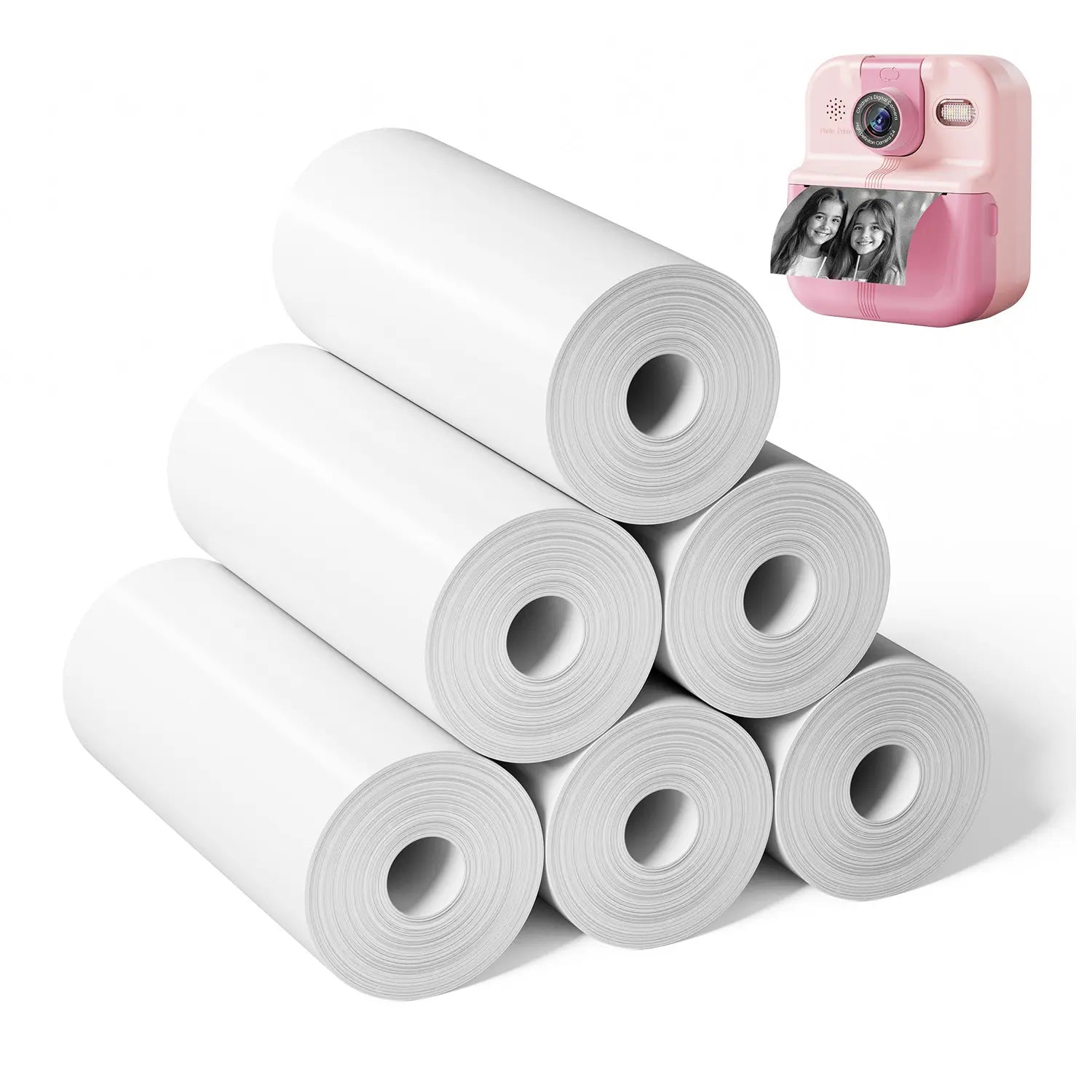 P02-hez


Phomemo
Phomemo M08F Vezeték nélküli Tetoválás Stencilező Nyomtató
€128,69
/
- Kompakt és Könnyű: Mindössze 0,9 kg súlyú, 3,8 cm vastag, méretei 310x68x41 mm.
- Teljesítmény és Kapacitás: Lítium akkumulátor, 1200 mAh.
- Speciális Tetováláshoz: Fejlett hőtechnológia, nagy felbontású, precíz minták és vonalak nyomtatására képes.
- Nyomtatási Hatékonyság: 1200 mAh akkumulátor kapacitás, töltés után akár 140 oldal tetováló stencil papír folyamatos nyomtatása.
- Magas Kompatibilitás: Számos eszközzel kompatibilis, mint például IOS és Android telefonok, táblagépek, laptopok és asztali számítógépek.
- Nagy Felbontás: 203 dpi a mély színű képekhez, sima nyomtatási eredmények és gyors feldolgozás.
- Tintanélküli Nyomtatás: Nincs szükség tintára és tonerre, környezetbarátabb és hatékonyabb.
Tudjon meg többet


New Model vs Traditional

Capable of various devices

Portable in multiple situations


Phomemo M08F Tattoo Printer is Suitable for

Please be noted that:
Phomemo M08F Tattoo Stencil Printer is not suitable for:
1. complex lines; 2. color patterns; 3. large-area dark patterns;
Only applicable to:
1. simple lines; 2. black, or monochrome patterns; 3. clear line patterns
How to Use M08F Tattoo Printer

Step 1
Remove the transparent sheet, and tear out the yellow page.

Step 2
Download the app and connect to M08F-A4 via Bluetooth for phones, or via USB cable for Computer.

Step 3
1. Press and hold for 2 seconds to power on.
2. Place the white page face up and the ribbon page faces down and flush against the printer.

Step 4
Cut out the pattern and paint the arms with stencil ointment for a better transfer. Alcohol can wipe away tattoo transfer marks.